For server owners & communities

Show your multiplayer server live

Running a busy FS25 dedicated server? Give players and prospects a read-only live dashboard — full map overview, fleet positions, field status, and economy — linked from your website or Discord.

What your community sees

  • Fleet map — equipment positions on the real in-game map overview, coloured by farm.
  • Fields — crop stage, work needed, windrows, and suggested next steps.
  • Vehicles & economy — fleet health, storage, productions (read-only).
  • Live updates — data refreshes from your server while the game is running.

Visitors cannot change settings or your server config — same safe read-only mode as a LAN tablet.
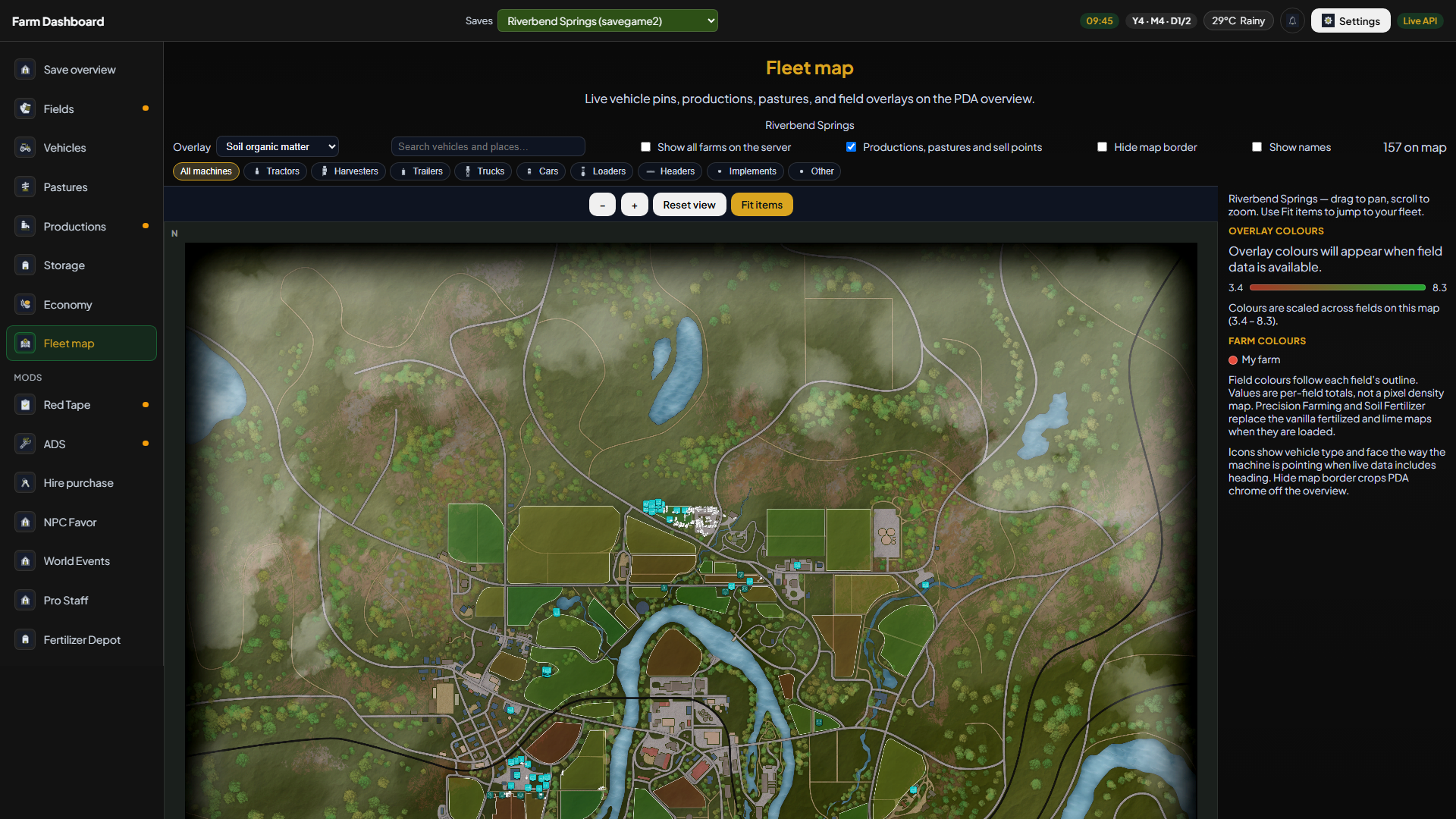
Live field summary in the dashboard
×Live field summary in the dashboard
Example: live field and farm overview from a running save

How it works (typical setup)

  1. On the dedicated server — install the Farm Dashboard mod; it exports data.json from your save slot.
  2. On a Windows PC (yours or a host’s) — run the Farm Dashboard app with an FTP connection to that save, polling every few minutes.
  3. Public link — use a subdomain on your site (e.g. demo.yourserver.com) via Cloudflare Tunnel to the app on that PC — no router port-forward.
  4. Share the link — post the public dashboard URL on your website, Discord, or rules channel so members can open the read-only view anytime.

Install guide Get the app & mod

Who this is for

Large MP communities

Show newcomers what your economy and map look like before they join.

Roleplay / contract servers

Let members track field progress and fleet locations without joining the game.

Server owners

One link on your website or Discord — professional live ops view, no custom web dev.

Get the app & mod Install guide