Recommended
Farm Dashboard V5
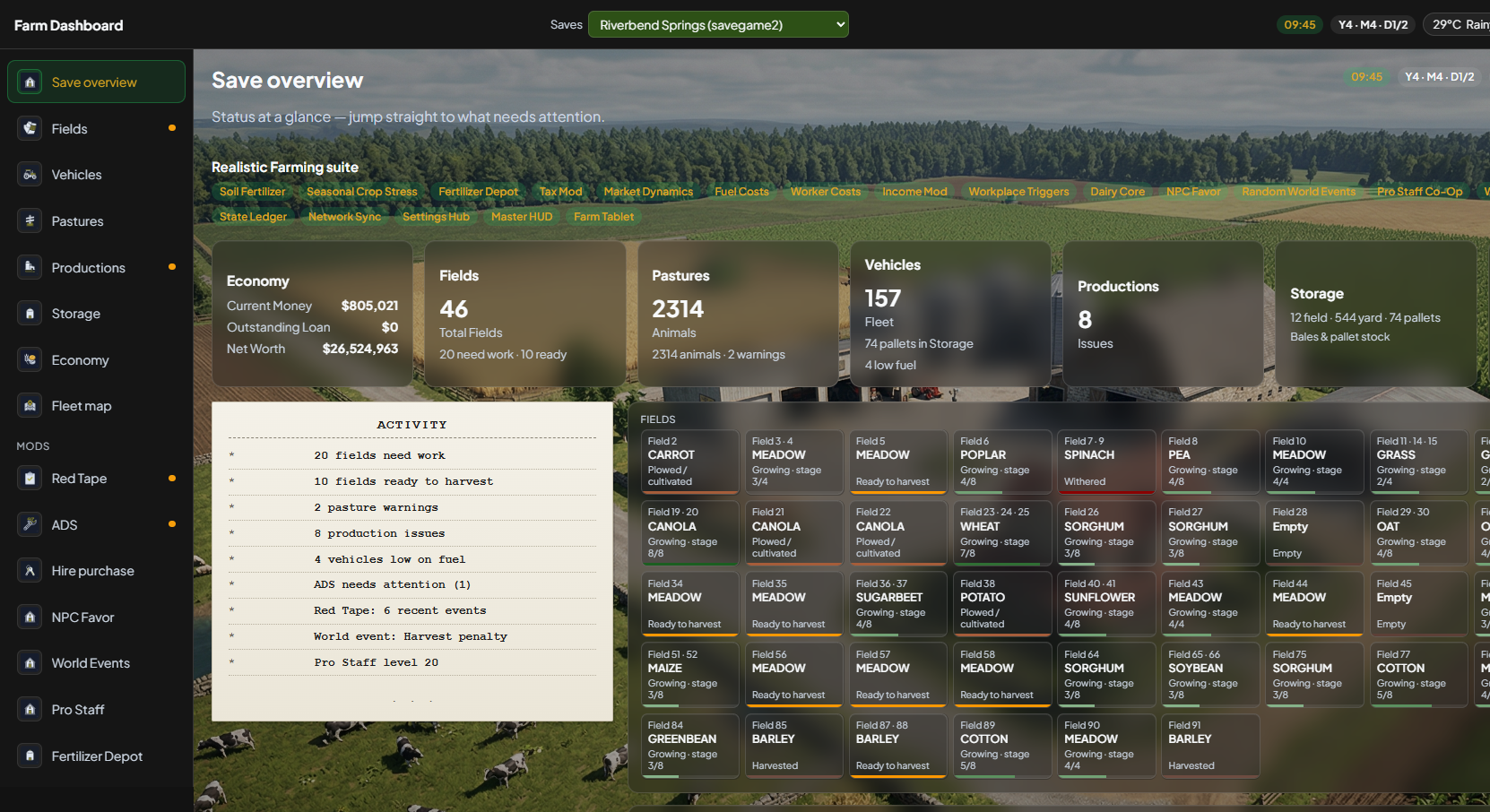
New screens: sidebar, save overview, Pastures, Storage, Fleet map. Start Menu: Farm Dashboard V5. Dashboard: http://localhost:8768. Auto-update uses the V5 feed only — it will not overwrite classic 4.x.
Get started · V5
FS25 Farm Dashboard is a Windows desktop application plus an in-game mod.
The mod must write data.json while you play before the app can show live data —
single-player, MP host, and dedicated server supported.
Get the app and mod on itch.io — that is the public download, and the best place to support the project if you want to.
Look for FS25-Farm-Dashboard-V5-Setup-5.0.3.exe and FS25_FarmDashboard.zip (or the itch windows-v5 / mod-v5 packs).
Classic V4 stays a separate download — V4 auto-update will not switch you to V5.
Recommended
New screens: sidebar, save overview, Pastures, Storage, Fleet map. Start Menu: Farm Dashboard V5. Dashboard: http://localhost:8768. Auto-update uses the V5 feed only — it will not overwrite classic 4.x.
Still supported
Six home cards, Start Menu Farm Dashboard, port 8766. App 4.2.1 · mod 3.4.0.7. itch.io still lists the classic installer next to V5. You can keep V4 installed next to V5.
Skipping the in-game load is the most common reason the app shows no data. One mod zip works with both V4 and V5.
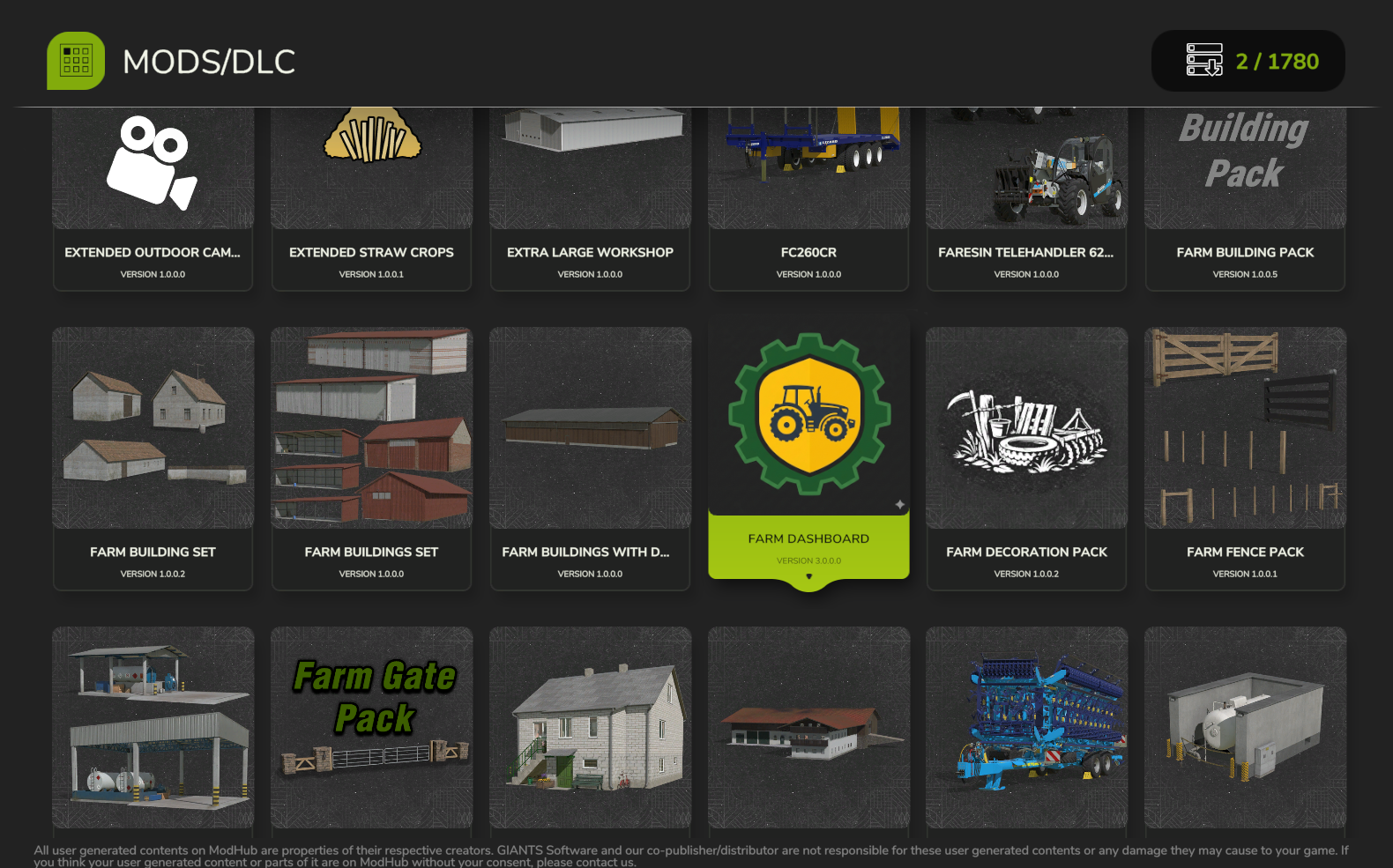
Place FS25_FarmDashboard.zip in your FS25 mods folder. Enable it on your save, then load the save and enter the world once so export files appear under modSettings/FS25_FarmDashboard/.
Run FS25-Farm-Dashboard-V5-Setup-5.0.3.exe. Launch Farm Dashboard V5 from the Start menu — a native desktop app, not a website you use daily. Leave classic V4 installed if you still want the old screens.
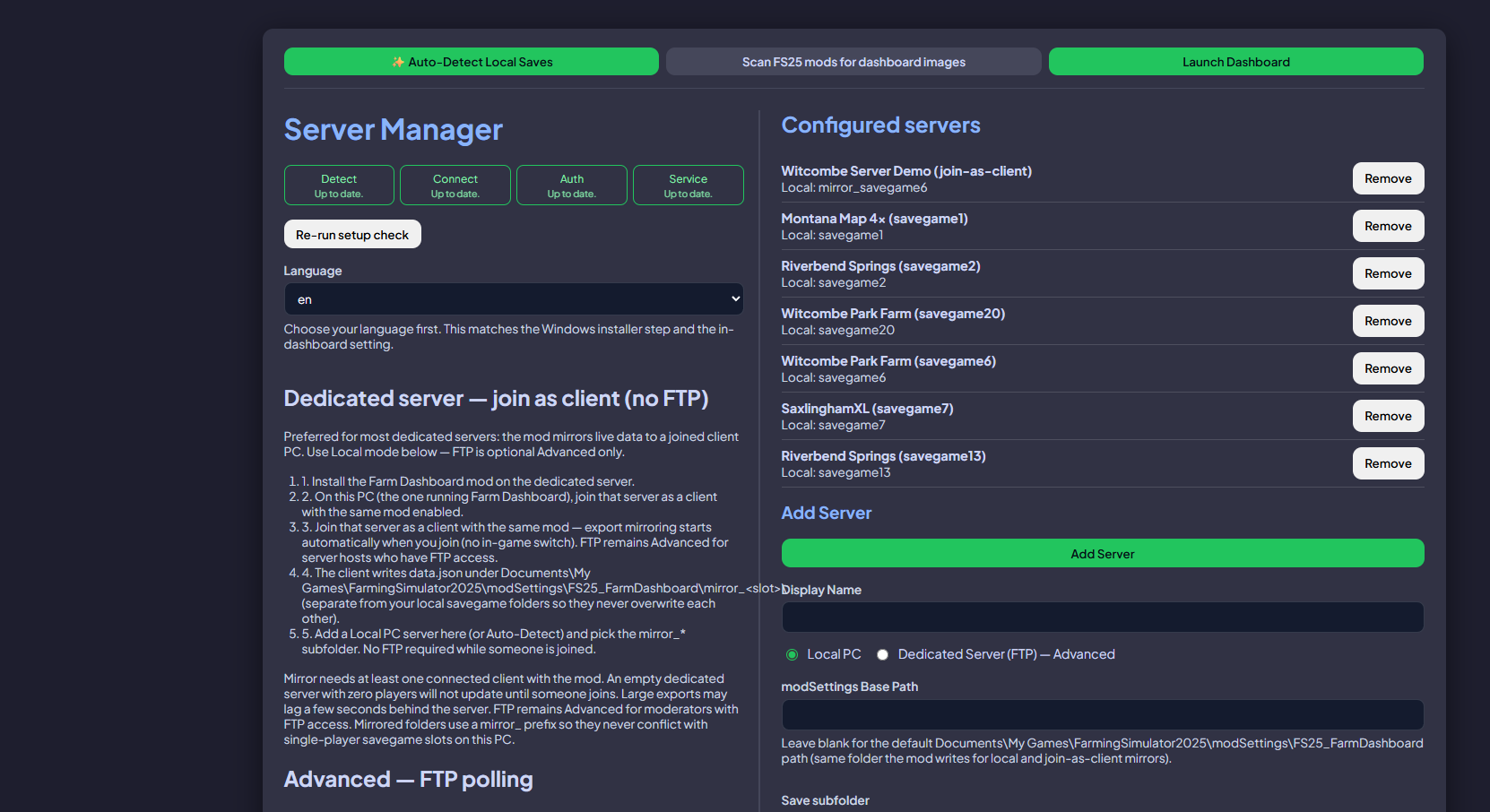
Complete Setup, or open Settings → Servers & saves — local path, join-as-client, or FTP. Pick save slot and farm. The sidebar fills when JSON is flowing.
Watch Welsh Sim Farmer install the mod and connect the app. The video shows classic screens — the order is the same for V5 (mod → Windows app → save). Start Menu name is Farm Dashboard V5.
Step 1
On the mod selection screen, enable FS25 Farm Dashboard for your save. Load into the world at least once before expecting the Windows app to show field or vehicle data.
Step 3
Auto-detect local saves, or add FTP / join-as-client. Point Mod images at your FS25 mods directory if you want vehicle thumbnails. After Save, the top-bar save list refreshes without restarting.
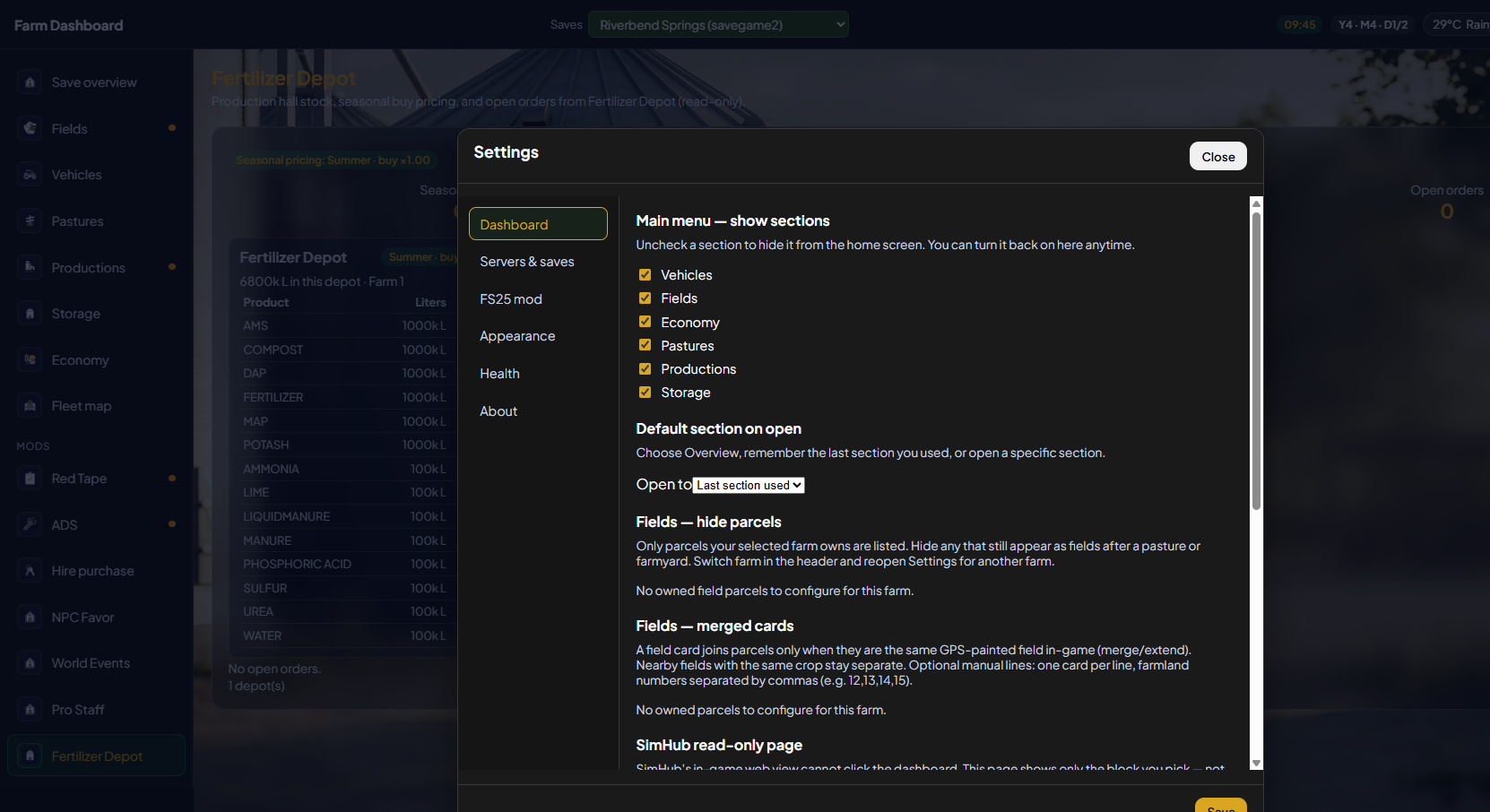
Opaque Settings panel, Dashboard / Servers / Mod / Appearance / Health / About.
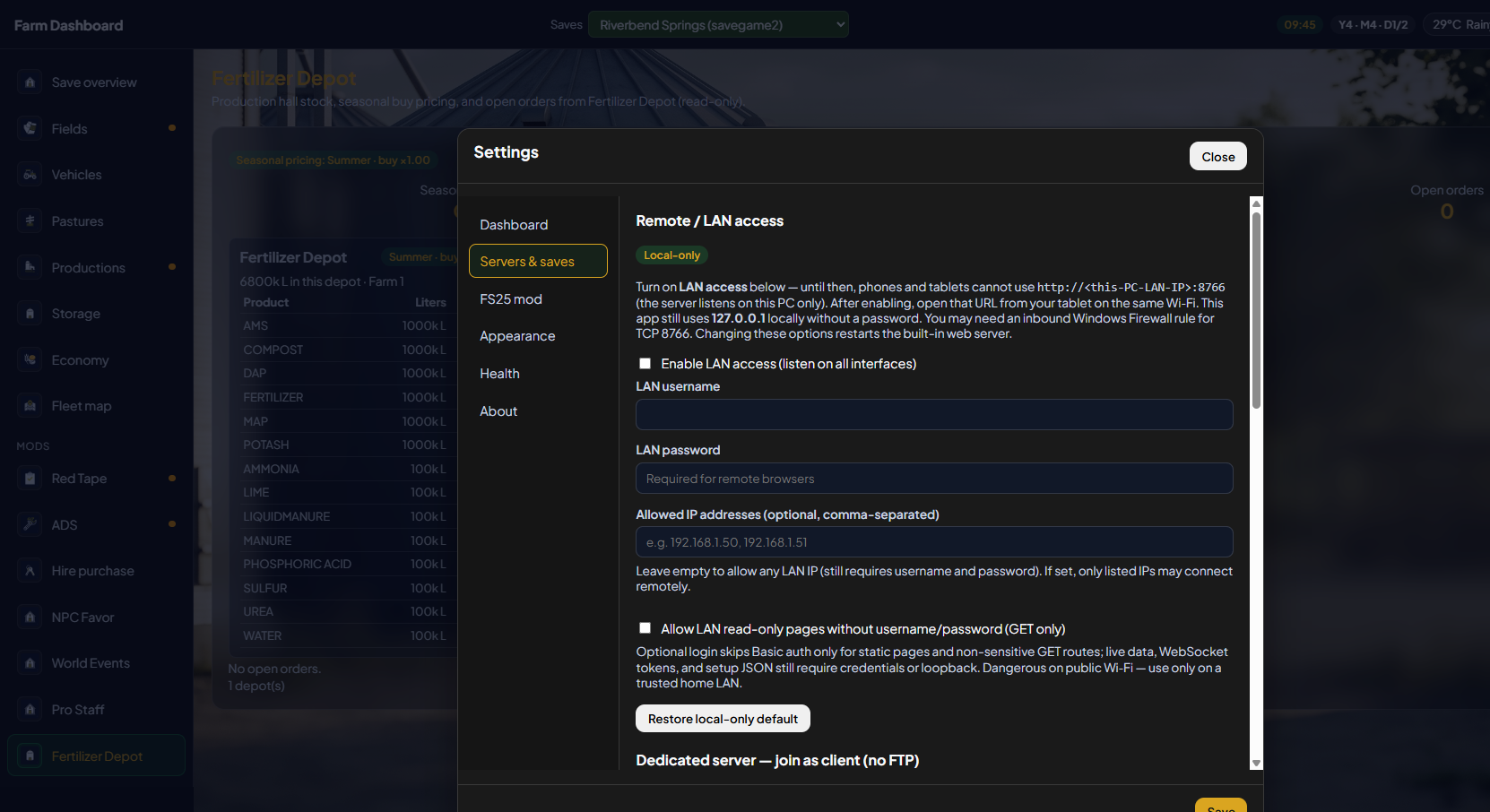
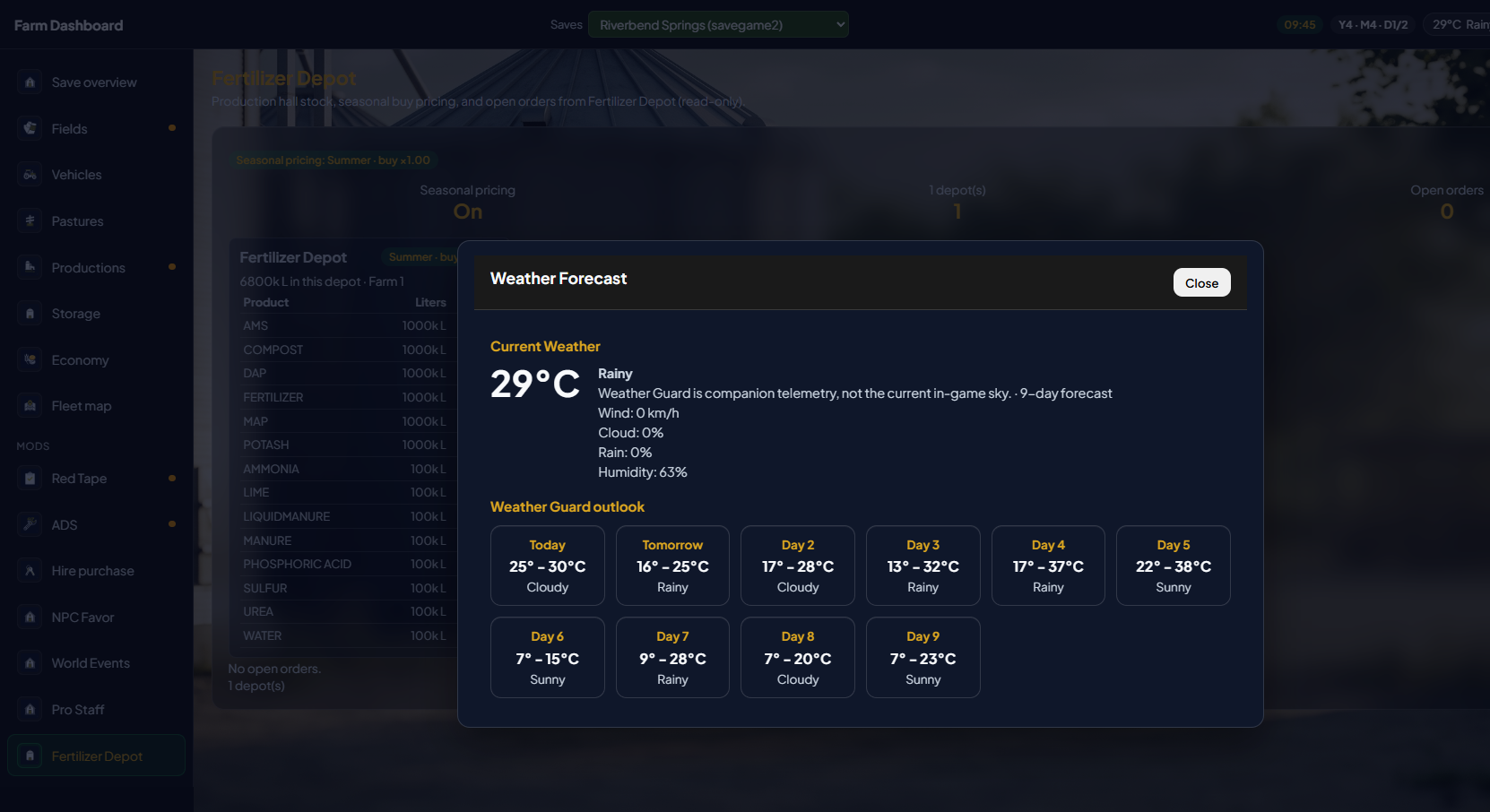
Only the save authority (SP, host, or dedicated) writes full data.json. MP clients should use host exports via join-as-client or FTP. Collection runs on a staggered timer (~60s) to avoid game hitches.
V5 manuals live with the product docs. Classic V4 manuals stay on GitHub for anyone on the old screens.
App 5.0.3 · Mod 5.0.0.3 · Windows 10/11 · Start Menu: Farm Dashboard V5
On itch, pick the V5 Windows download (and the mod zip). Prefer not to use itch? GitHub still has the same files. Classic cards: stay on V4.
Installed already? The V5 desktop app checks GitHub for automatic updates on the V5 channel only.
Explore app sections