Current money
Live cash on hand from the save export.
Dashboard sections
Economy — cash, debt, net worth, equipment purchases, and market prices. Productions is its own sidebar item — factory chains, fill levels, and running status. Silo moisture and bale stock moved to Storage in V5 (they shipped in 4.2 on the Economy tab).
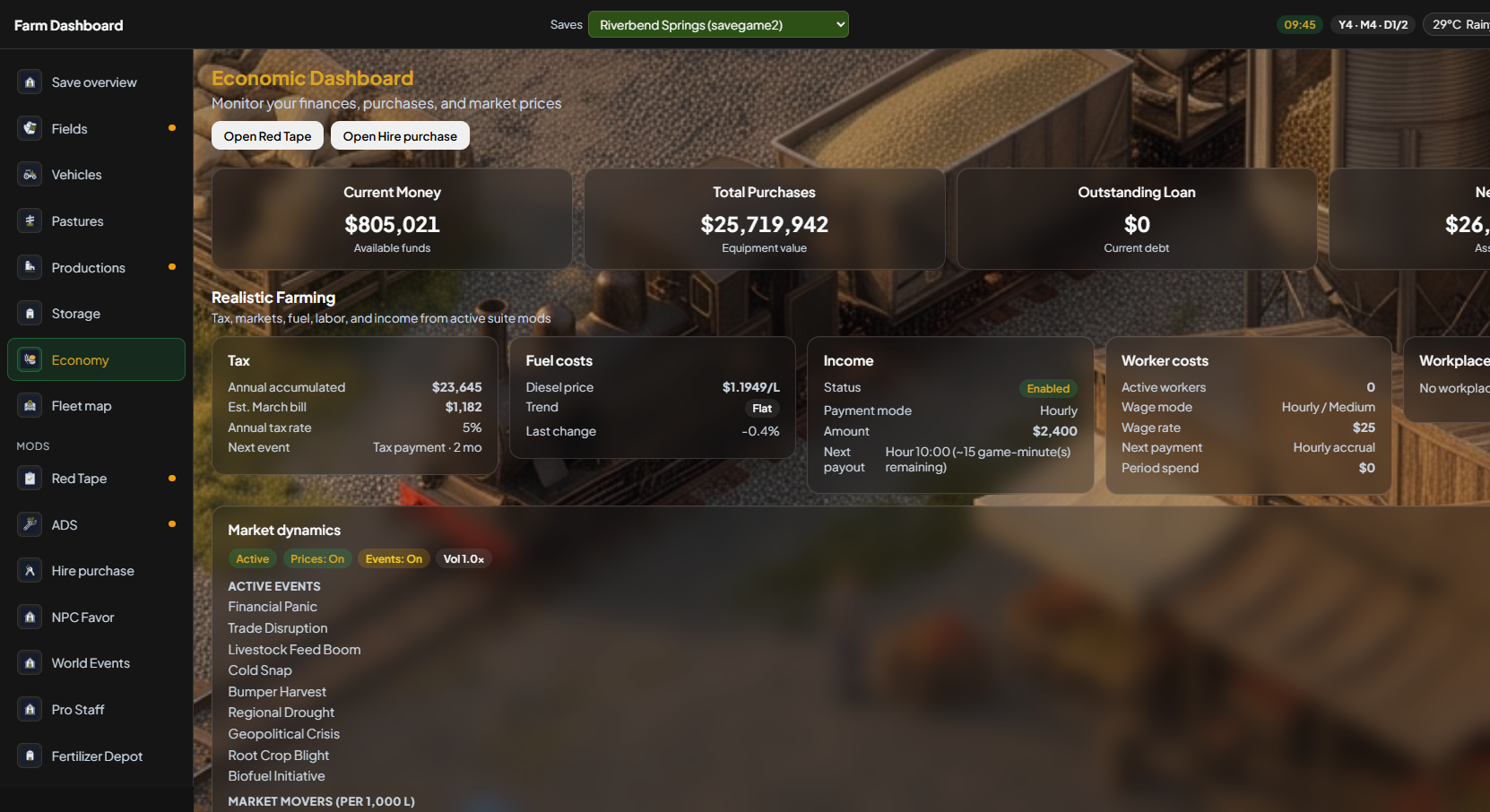
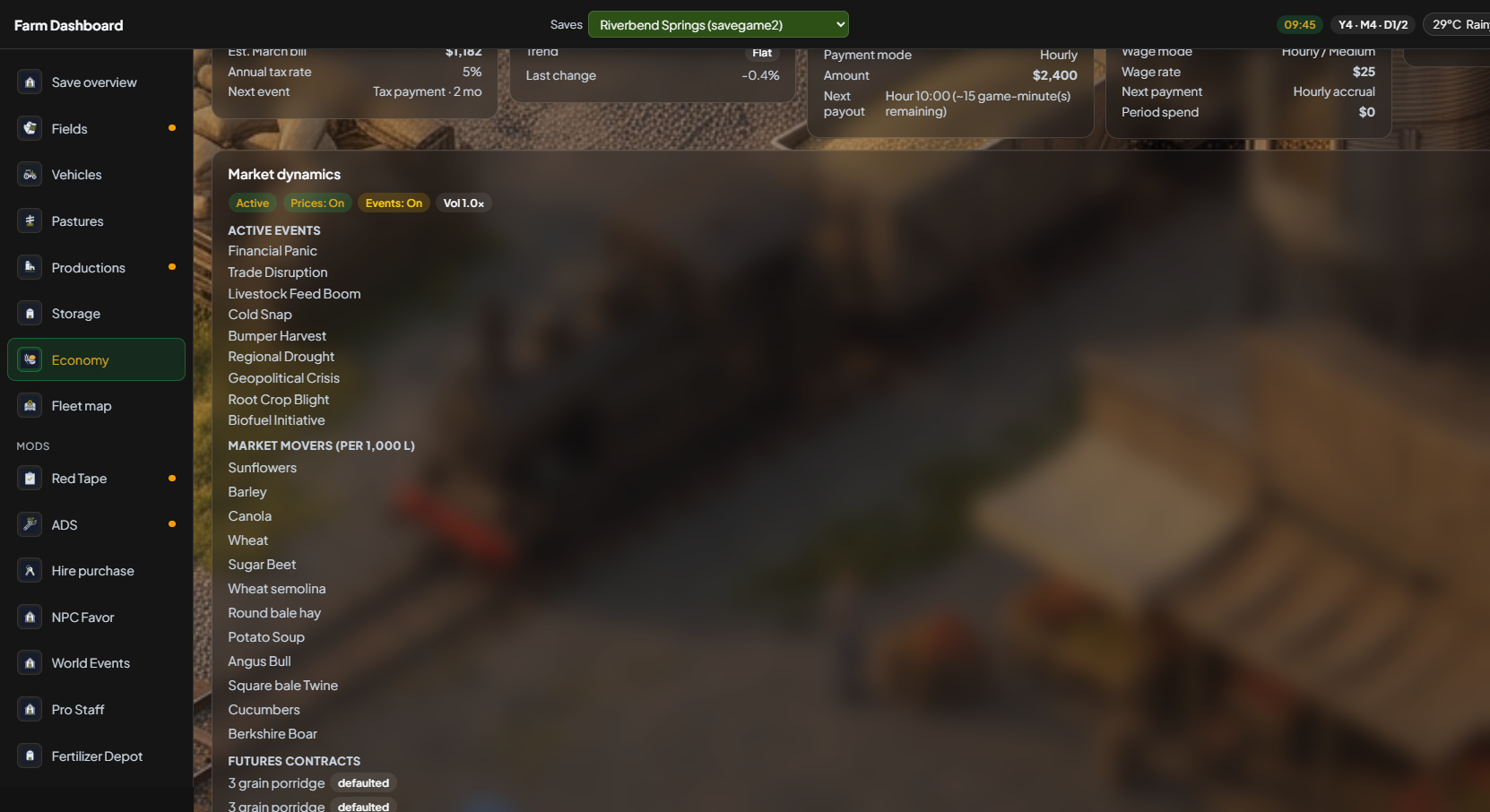
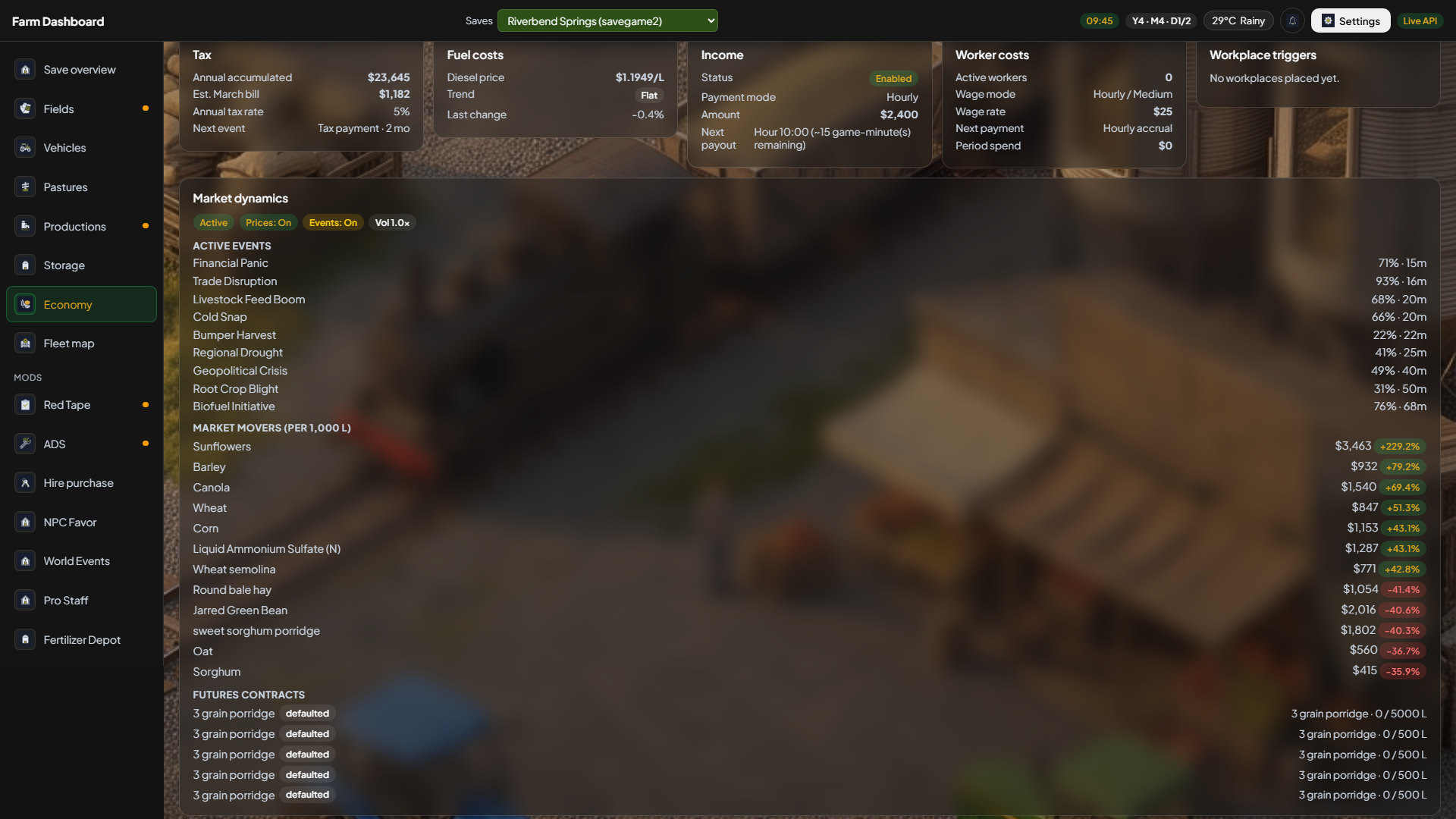
Two sidebar items: financial snapshot in Economy, factory monitoring in Productions. Optional tax / fuel / income / market-dynamics blocks appear only when those mods are on the save.
Live cash on hand from the save export.
Equipment value, loan, and assets minus debt in one row.
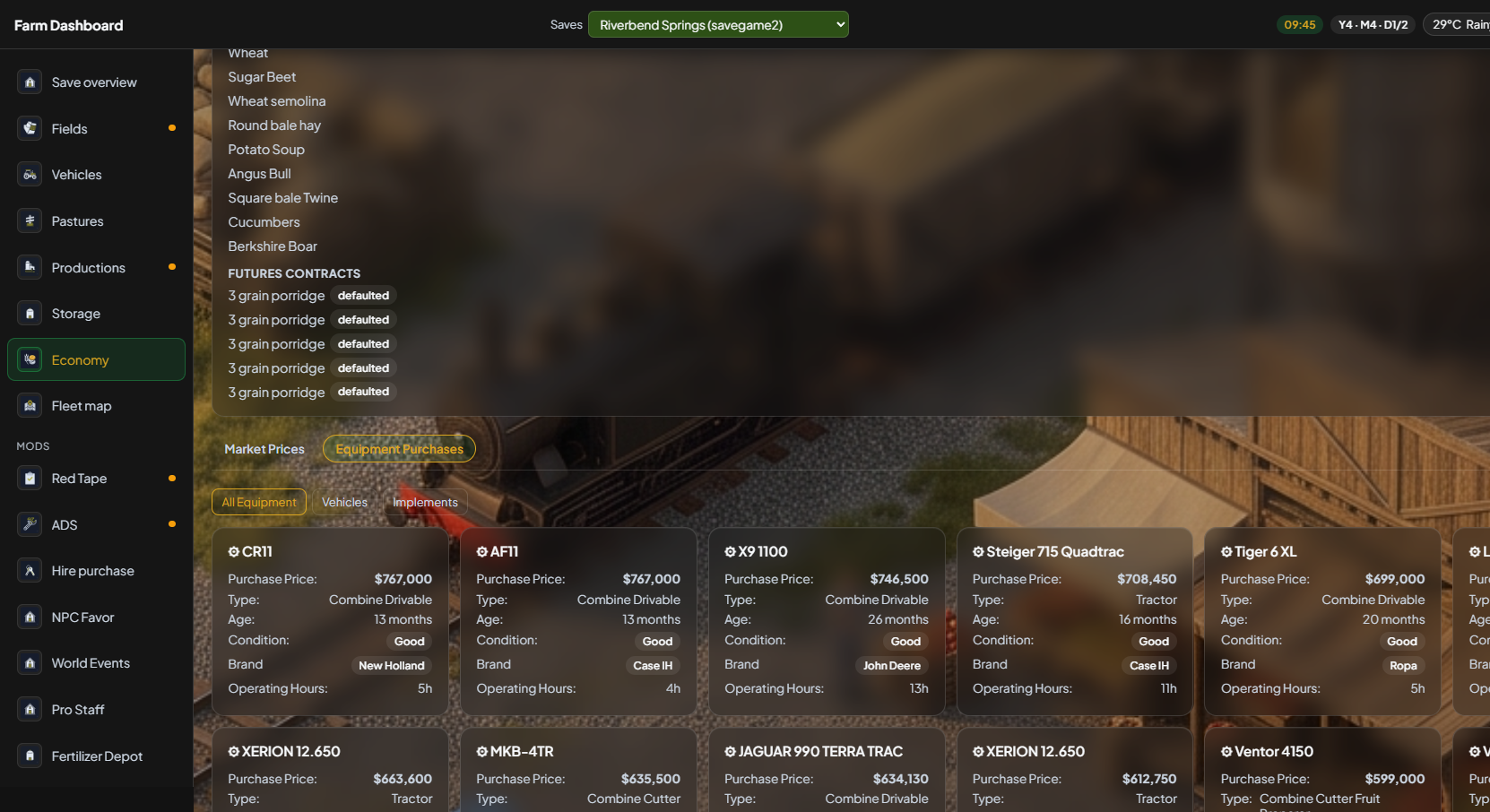
Filter vehicles vs implements; sort by price, age, or name — the 4.2 purchases tab, now cards.
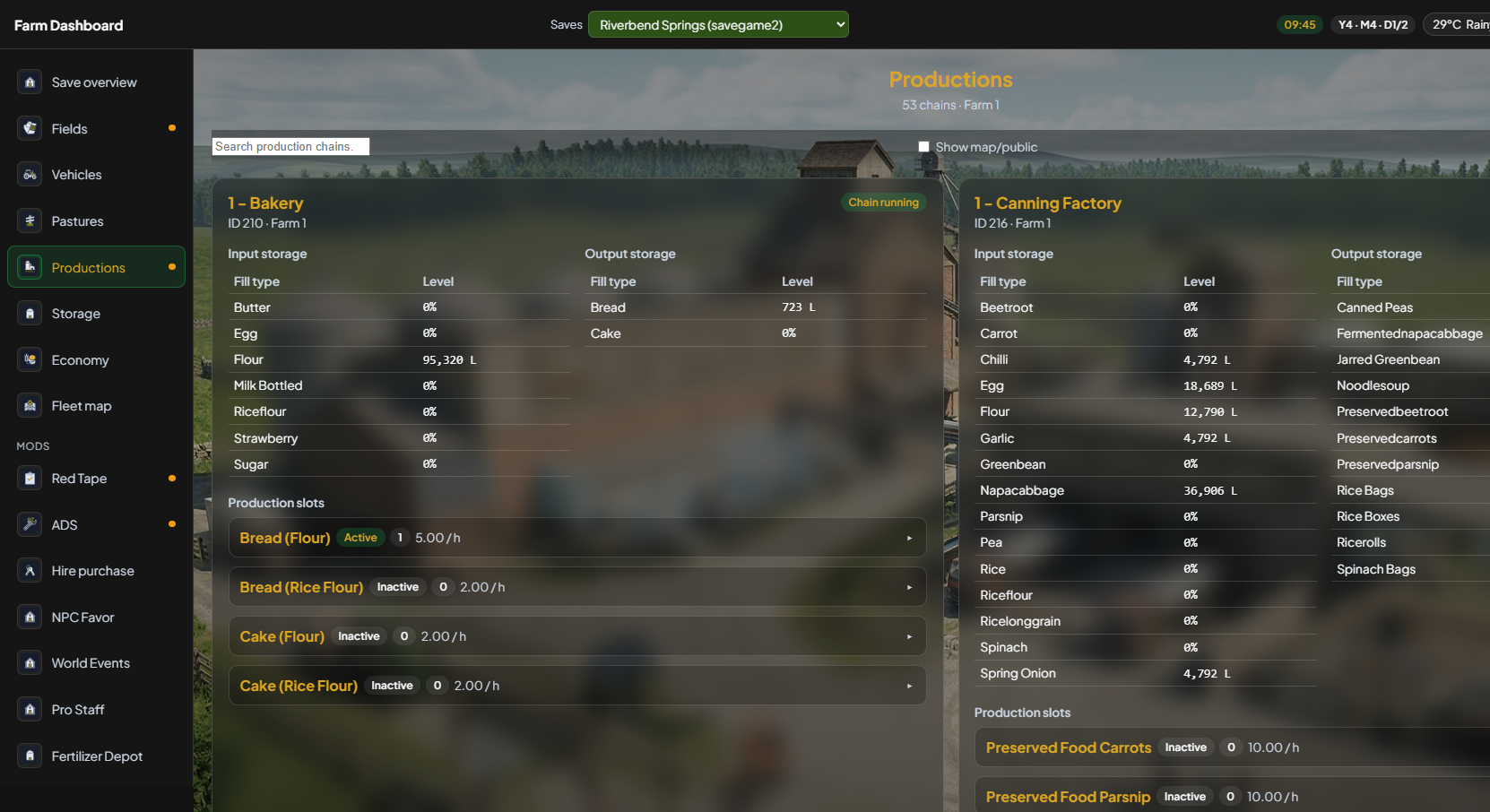
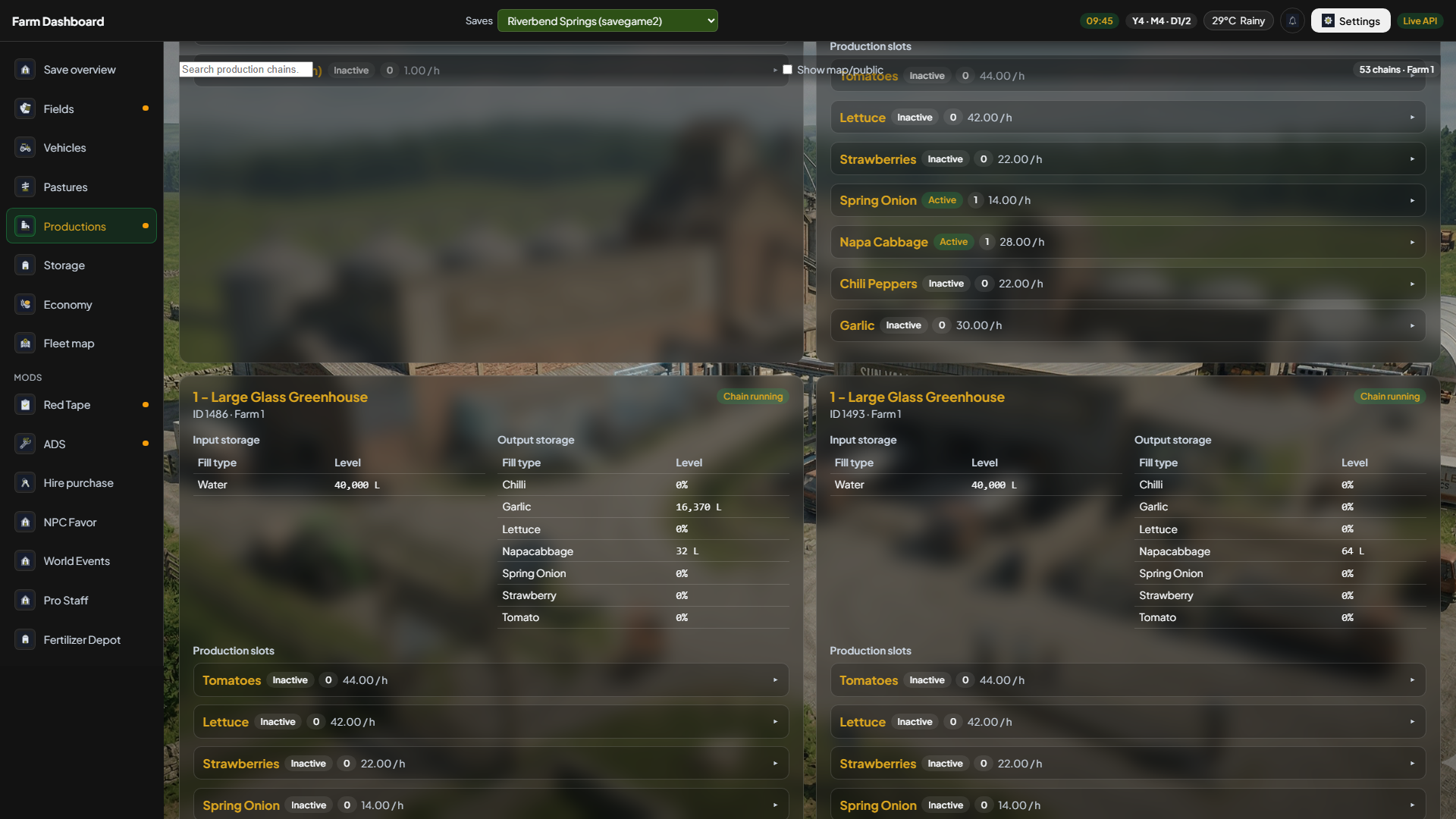
Inputs, outputs, recipes, slots — read-only monitoring.
Economy
Cards answer “can I afford this?” before you visit the shop: money in the bank, equipment value, outstanding loan, and net worth. Numbers refresh with the same cycle as Fields and Vehicles.
Productions
Each facility shows running or stopped, input/output storage with fill bars, active recipe, and production slots. Empty state when nothing is built yet. Same 4.2 factory export, denser V5 layout.
Vanilla saves show cash, purchases, and market prices. Optional economy companions add tax, fuel, income, and market-dynamics blocks when those mods are on the save — they are not required.
Explore other sections