Summary shortcuts
Total fleet, low fuel, and high damage cards apply filters instantly.
Dashboard section
Your farm's machines on one screen — tractors, trucks, implements, and tools with fuel %, damage %, and status. Dealership showroom demos and contractor-pool floor stock stay off your fleet (the 4.2 farm-scope rule). Mod store images appear when Server Manager has scanned your FS25 mods folder.
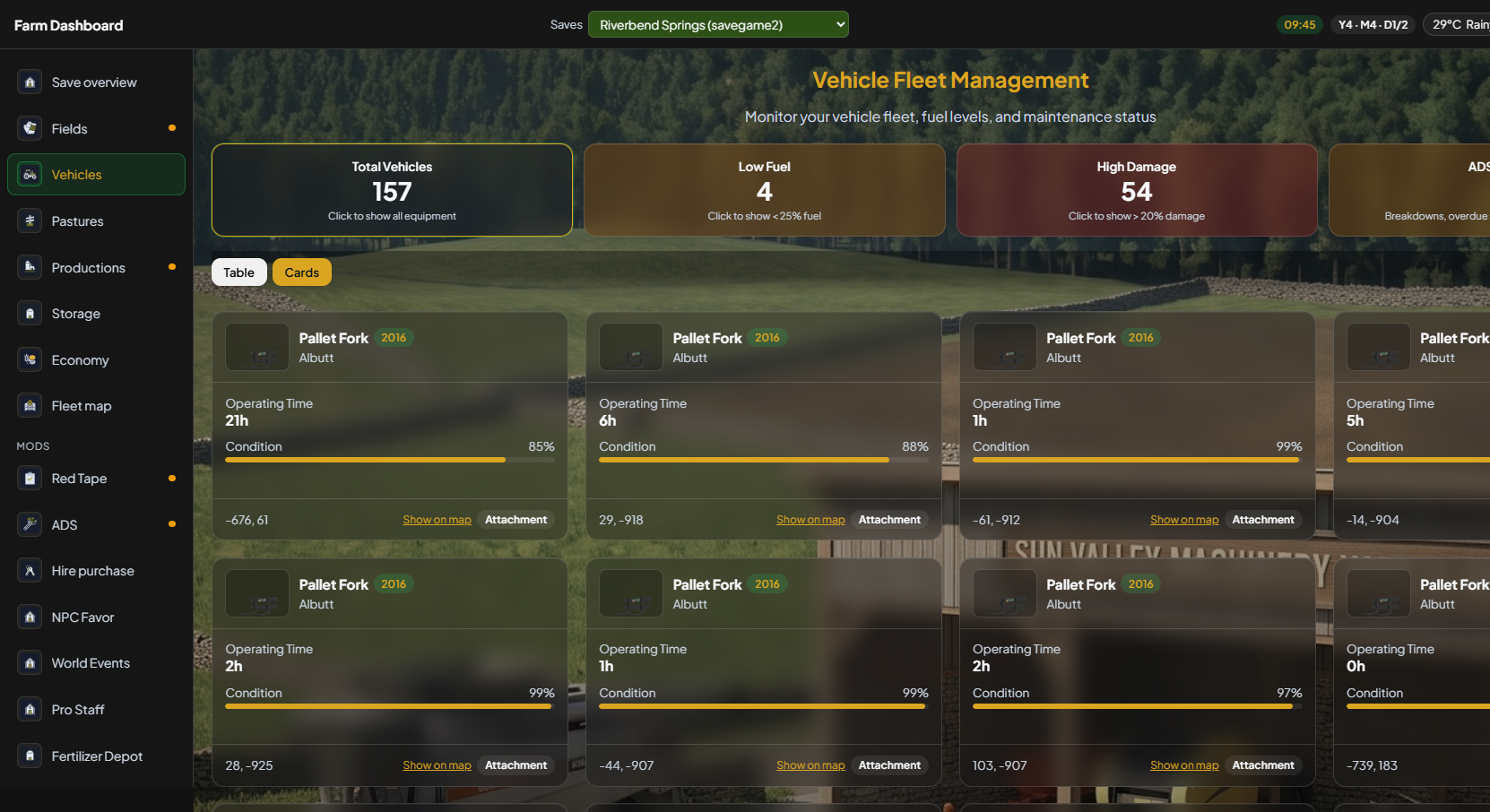
Large fleets stay manageable with summary filters and a visual card grid — same 4.2 behaviour, new V5 chrome.
Total fleet, low fuel, and high damage cards apply filters instantly.
Tractors, implements, trailers, engine on/off, damaged — combine in the panel.
Empty, low, medium, or full tank filters for refuel planning.
Click a thumbnail for a larger store icon when found in your mods folder.
Overview
Hours, fuel bar, and damage % on each card. Location text when exported. Pin the same machines on Fleet map when you need world position.
Scrolled
The first screenful is tractors and a few implements. Scroll for the rest of the farm-scoped grid — fuel, condition, and type on every card. Dealership floor stock stays off this list.
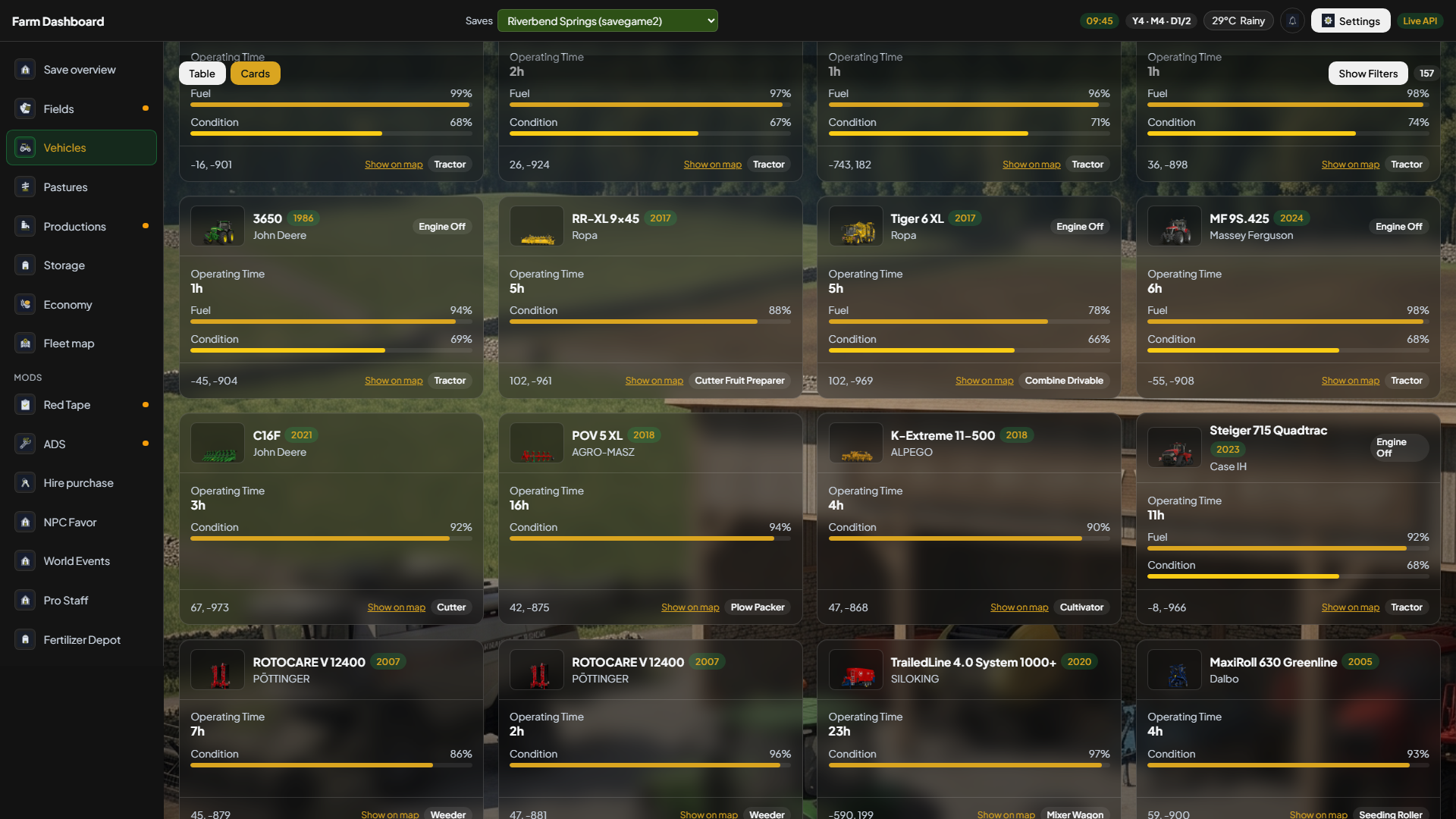
Without a mod scan path, cards still show names and bars — thumbnails appear once Server Manager finds store icons in your mods folder.
Explore other sections