Summary row
Total fields, area, needs work, and harvest ready — click to filter the list instantly.
Dashboard section
The richest view in the app. Every parcel shows crop stage, harvest readiness, ground material, optional Precision Farming and Soil Fertilizer bars, and a rules engine that tells you what to do next — using tools already on your farm. V5 adds an Order menu and GPS painted-blob groups only (no silent same-crop neighbour merge).
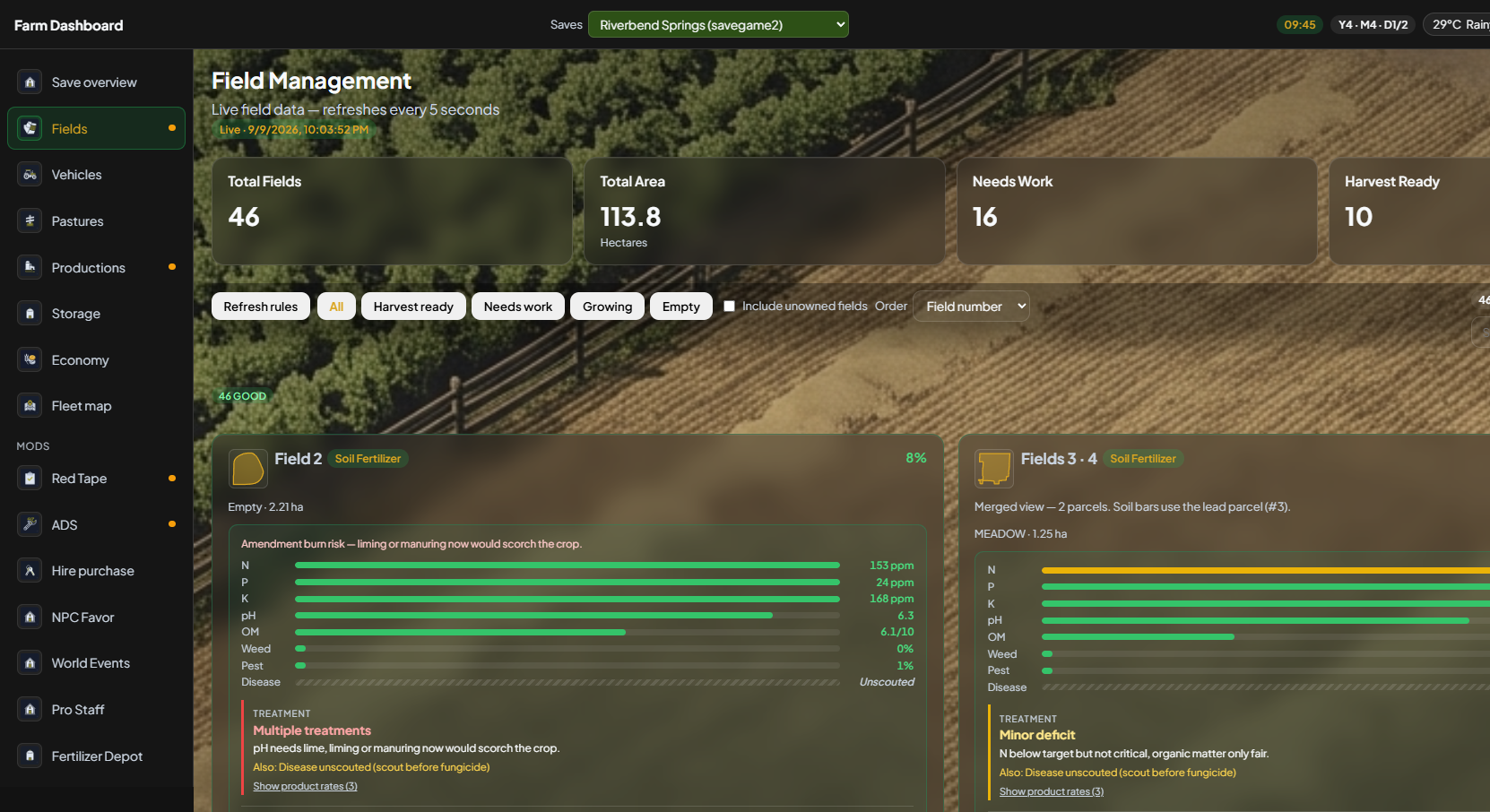
Summary cards, smart filters, and per-field cards update while your save runs on the host (SP or MP host).
Total fields, area, needs work, and harvest ready — click to filter the list instantly.
One-line next step per parcel; refresh after big in-game changes. Same 4.2 brain, new cards.
Litres on the ground, bale counts, and forage badges when the mod exports them.
Painted-blob merge plus optional manual groups. Adjacent same-crop parcels stay separate unless you grouped them.
Overview
The header answers “how much land and what state is it in?” before you scroll. Filter buttons narrow to harvest ready, needs work, growing, or empty parcels. Search finds a field by name or id on large maps.
V5
Sort by field number (default), crop, size, work needed, or soil urgency. Your choice is remembered. Native dropdowns may look slightly different in a browser screenshot than in the installed app — the options are the same.
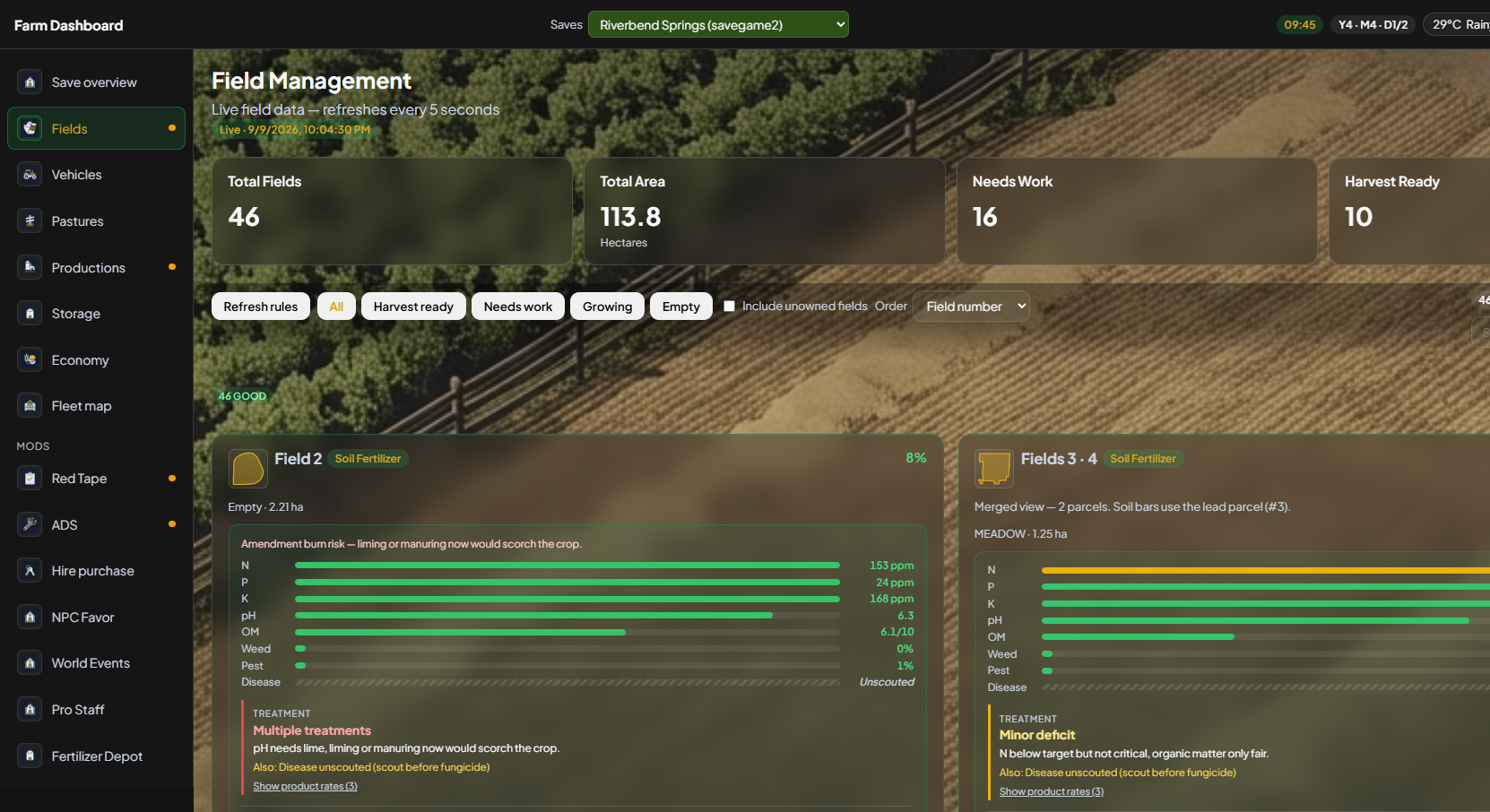
Each parcel is a full card — soil bars, treatment notes, crop moisture, and a suggested next step. Scroll past the first two to see the rest of the farm.
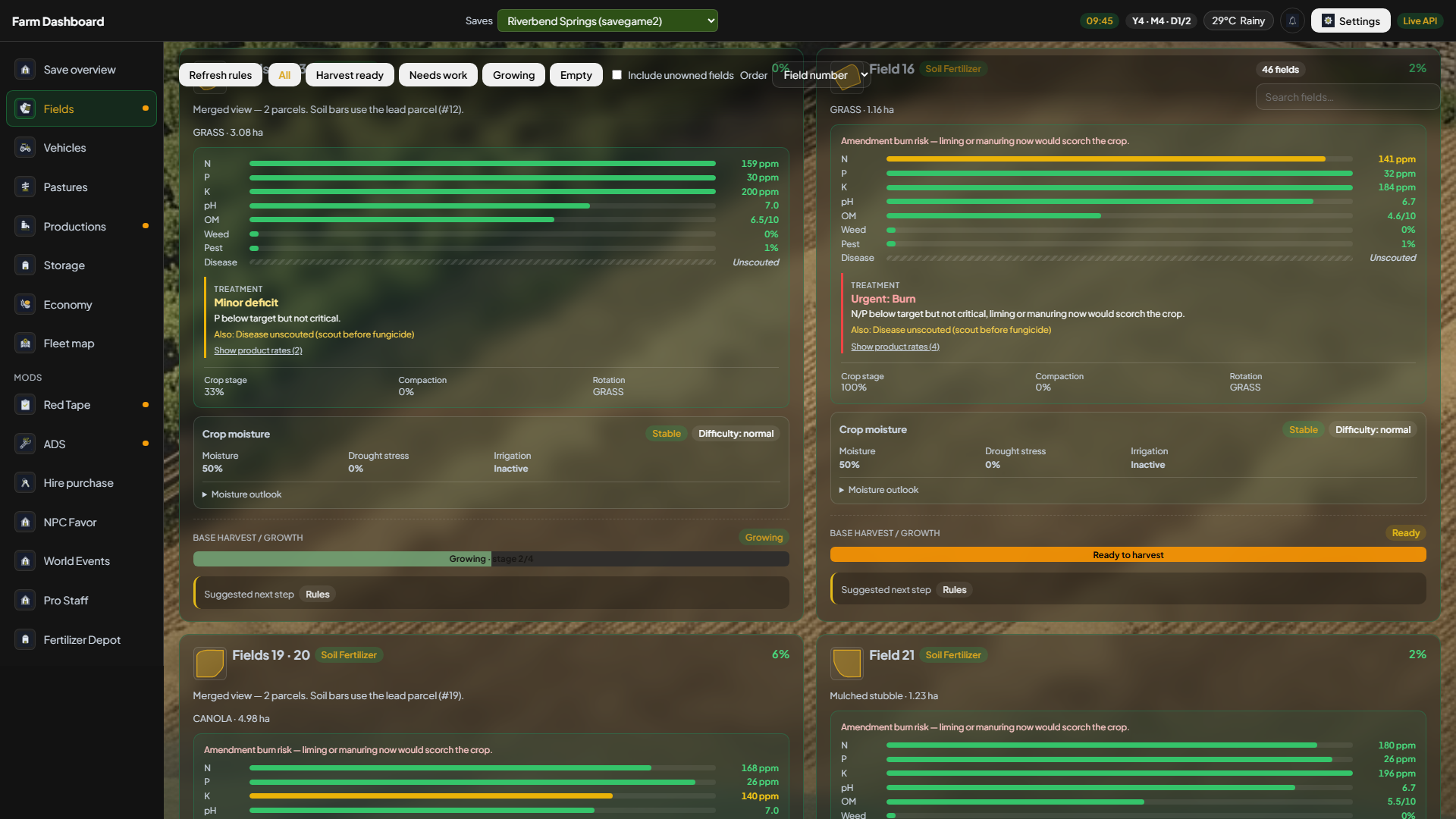
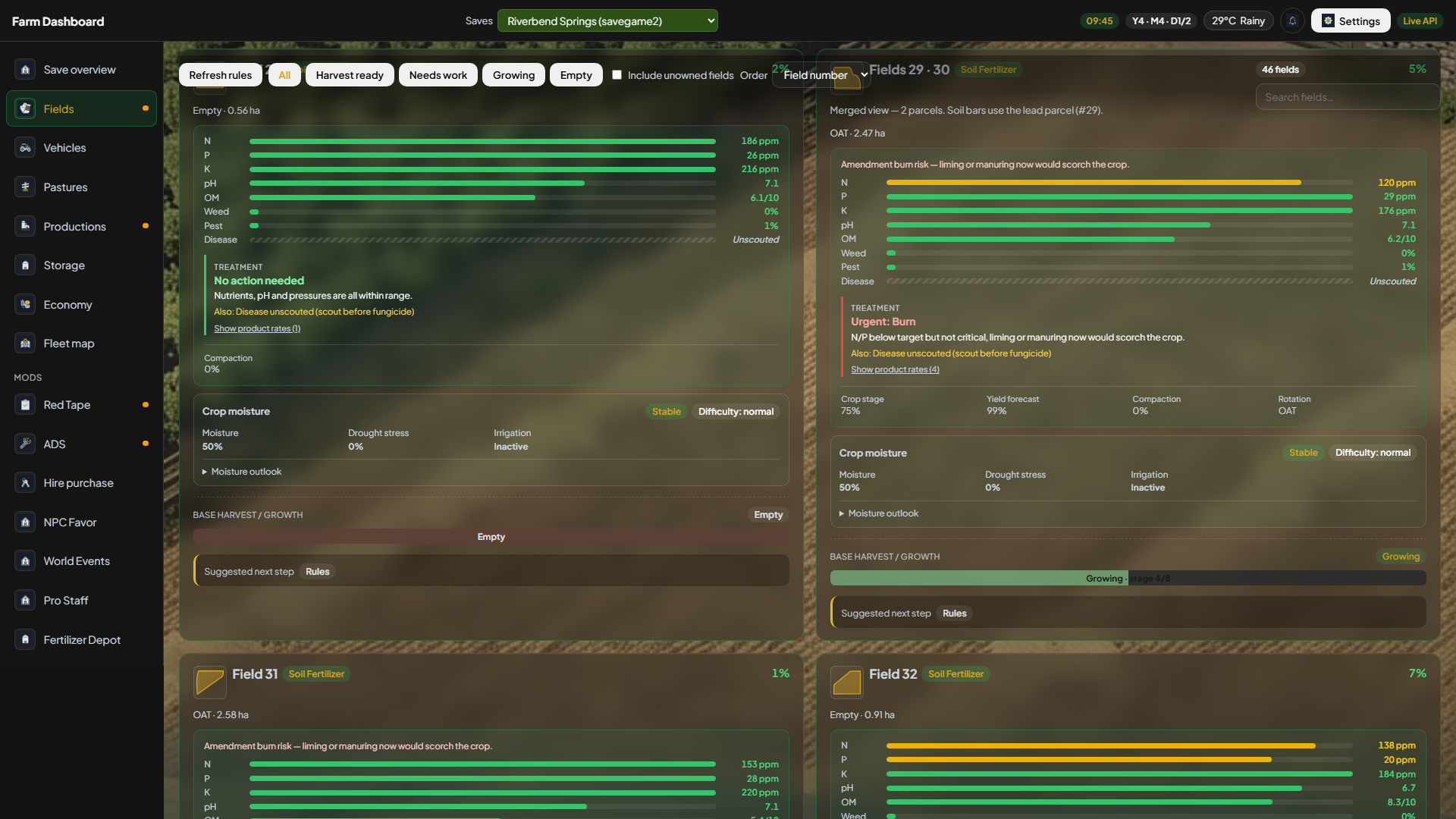
If cards never load, the mod has not written data.json yet — enable the mod, load the save in-world once, then confirm Settings → Servers & saves points at the right slot.
| Control | What it does |
|---|---|
| Total fields / area | Counts and hectares (non-excluded parcels). |
| Needs work / Harvest ready | Filter shortcuts from rules totals. |
| Filter buttons | All, Harvest ready, Needs work, Growing, Empty. |
| Order | Field number, Crop, Size, Work needed, Soil urgency. |
| Search field | Filter by name or id. |
| PF / Soil Fertilizer | N, pH, OM and related bars when those mods export data. |
Free Windows app + FS25 mod — live on a second monitor or LAN tablet.
Get startedExplore other sections