V5 screens
Every screen in one place
Use Home to go back, or pick a screen from the bar above. Each page shows what that part of Farm Dashboard does, with shots from a real save.
- Fields
- Pastures
- Vehicles
- Storage
- Map
- Economy
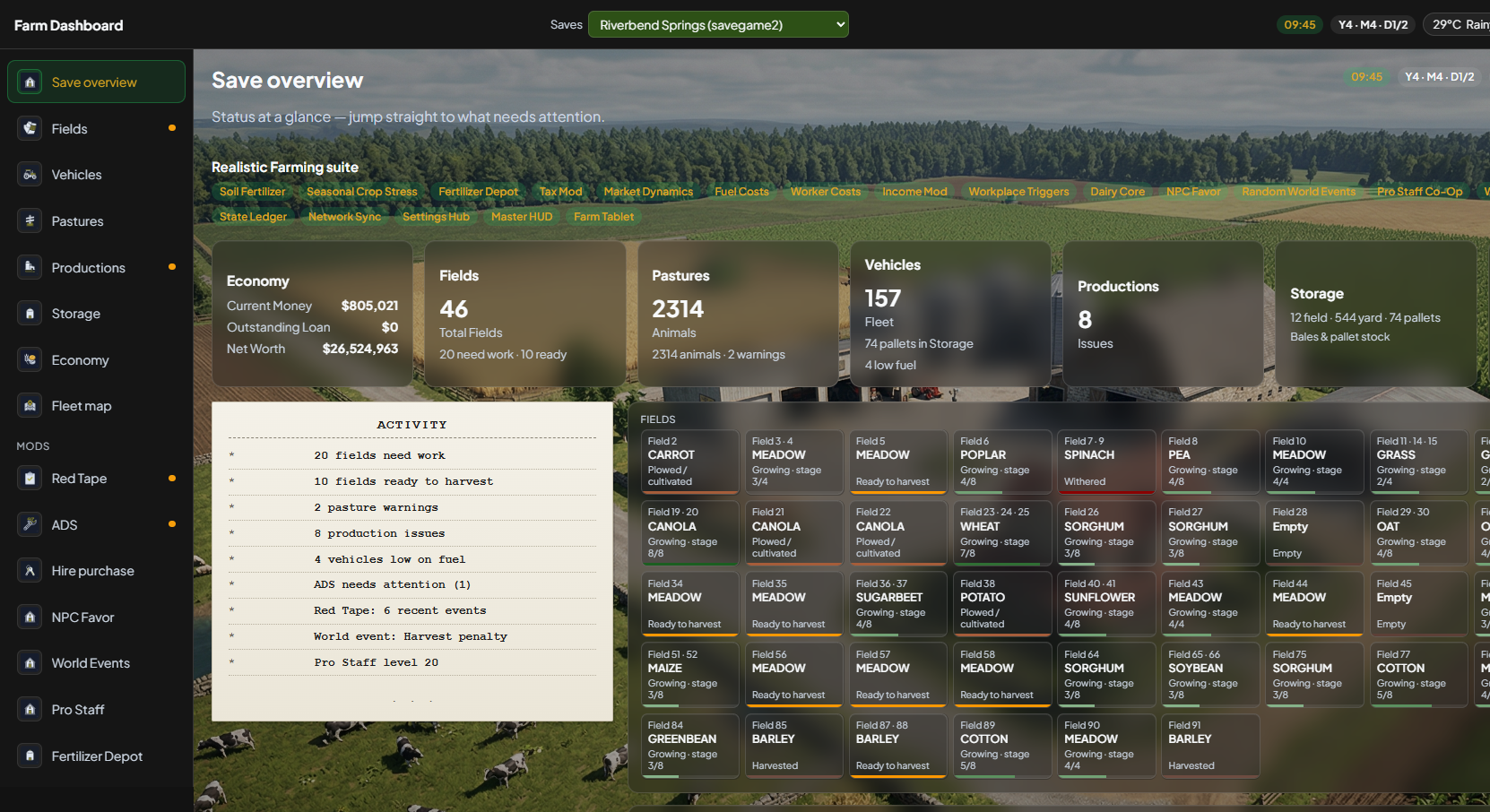
Pick a screen
Same links as the bar at the top — open one to see screenshots and how to use it.
🌾
Fields
Crop stage, windrows, bales, soil bars, Order menu, and suggested next steps from your fleet.
Open Fields →🐄
Pastures
Shed cards, food-duration hints, birth warnings, and animal detail.
Open Pastures →🚜
Vehicles
Farm-scoped fleet — fuel, wear, filters, and mod shop images. Not dealership floor stock.
Open Vehicles →🏠
Storage
Silos, bales, and pallets — map-specific names, moisture and grade.
Open Storage →🗺️
Fleet map
Live pins on the map overview, Overlay dropdown for crops, growth, soil, and more.
Open Map →💰
Economy
Cash, loans, purchases, market prices, and production chains.
Open Economy →